I am regularly amused by how small things can be which triggers setting of the "Oh, that seems difficult"-flag in my mind.
Yesterday and today, I spent a very small amount of time breaking through a whole collection of such things, and now my Jolla phone should suddenly be able to be my main phone for a day away from home.
Well, as soon as I pop in a SIM card of course. Being limited to wifi would feel a bit too limiting.
There were three main triggers raising the difficult flag, in quickly descending order of perceived challenge:
- Getting Bankid set up
- Getting Android apps installed
- Pairing some headphones
Yes, a huge drop in difficulty from first to last, but since my main headphones are my airpods I did not dare assume it would just work, and so I was half wondering if there would be a need for me to find some other solution.
That was a complete non-issue, they paired and worked just like Bluetooth headphones should. On with the larger hurdles:
Getting Android apps installed
Bankid is a Android app, so this step had come first. During initial setup, Jolla helpfully ask if you want to install Android support and some associated tools for accessing stores and updating and such. I said yes, so everything was ready for me. However, the Aurora store failed to log me in when I used my Google account, and in anonymous mode all apps I tried to download produced error messages about APK:s being broken or something along similar lines.
The solution was simply to update Aurora (and Fdroid too, although I am not sure if that bit was necessary), after which I could log in and get Bankid, Pocket casts, and a few other things without issue. More on running those apps later, first the main event:
Getting Bankid set up
Bankid is pretty much the app you need to live in Sweden if you have any need to access government services or - even more important for daily life - many kinds of online payments and banking. I had done some research beforehand so I knew it was supposed to work, but the forum posts I found made it sound various levels of fiddly and uncertain. However, since I have another working phone with Bankid and my banking apps up and running I was probably in the ideal situation. I used the completely standard way of activating Bankid on a new device from a current one, where the old device shows a QR code for the new to scan, and a bunch of handshaking and data transfer is done right away.
There are two things which can trip things up: * High precision location services need to be enabled * Bluetooth needs to be enabled
I had already enabled location services, so that part was no problem for me. But no matter how enabled Bluetooth was in the menu bar and system settings, Bankid kept complaining that it was not, trying and failing to activate it.
This turned out to be because of a very sneaky edge case: The Bluetooth for Android support was also installed for me when I first set up my phone. That meant I never saw its information in Jolla's store until I went there for troubleshooting and discovered that it clearly stated you need to restart your phone in order for the Bluetooth support to start working.
I rebooted my Jolla for the first time, and then Bankid setup flew through like the most natural thing in the world.
Running Android apps
Running Android apps feels about as fun as using web apps instead of native ones on a computer, but it has worked surprisingly well in my brief experience so far. The exception is Google maps freezing and being completely unusable, but some forum posts point at it being a known issue and something which has not always been the case, so I am hopeful that can change. Pocket casts asked very nicely for permission to run in the background, and even shows a nice widget on the lock screen when it is playing.
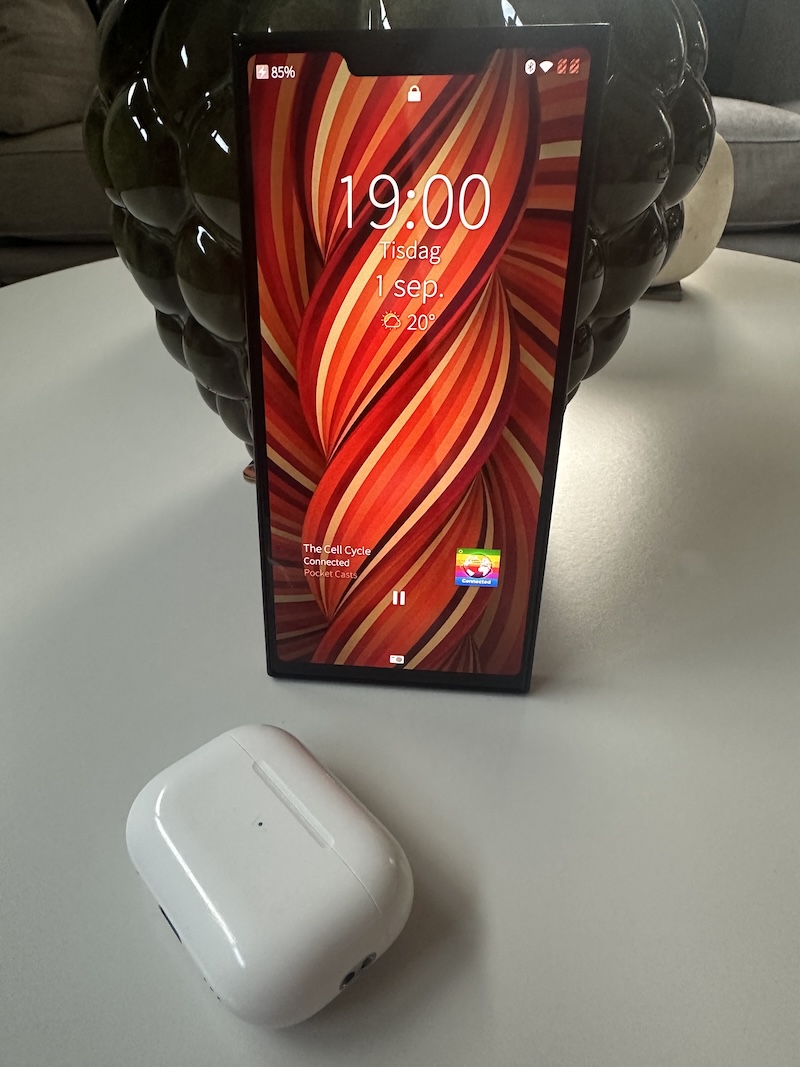
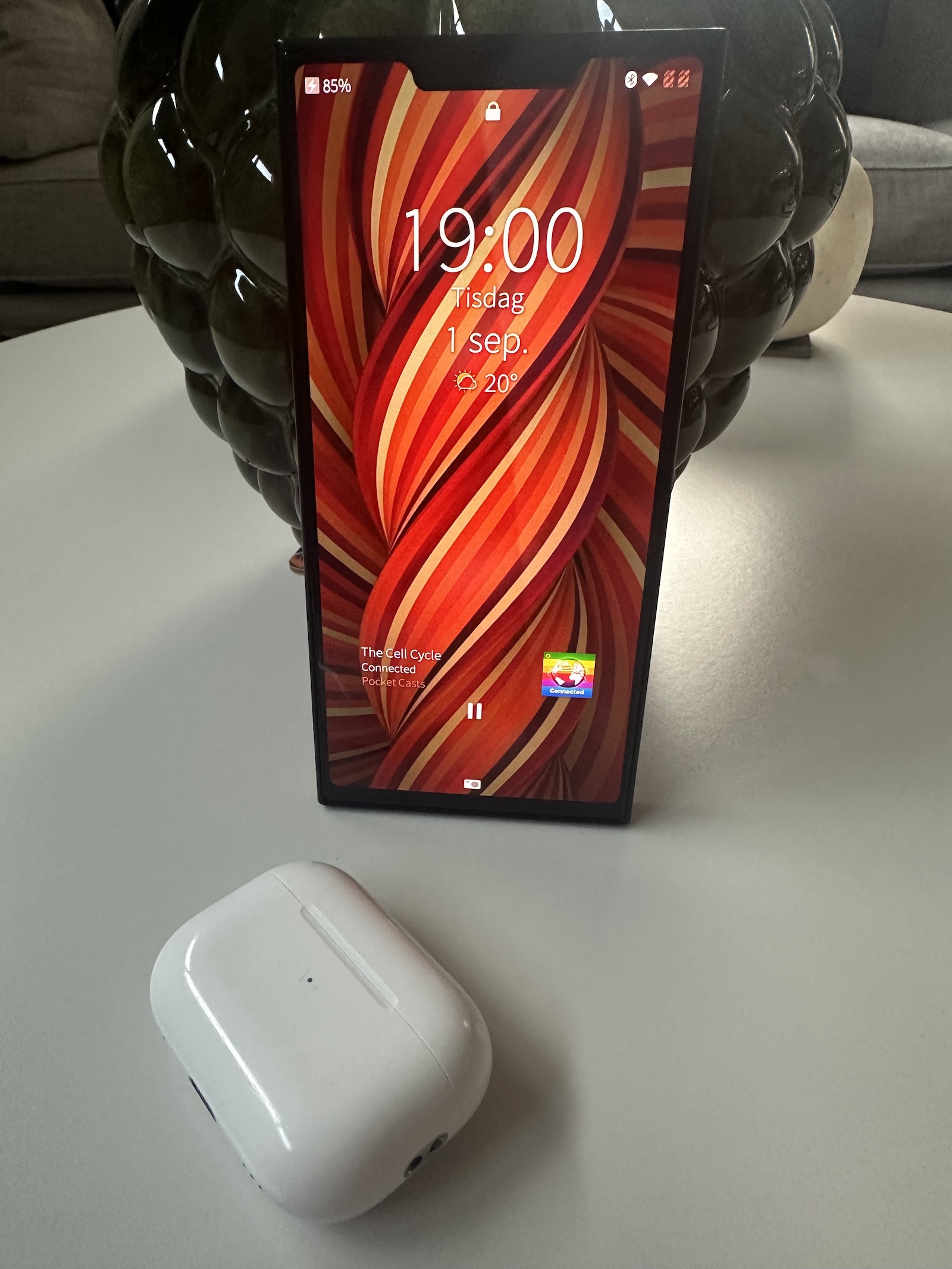
In all, it is great how well it all works, not least with permissions to access information and hardware, and there is no way I could use my Jolla very extensively without the support.
But even with my limited Jolla total time, I immediately start to wish both it and the other apps were native. I miss the standard swipe gestures, I find the back button at the bottom clunkier, and the fact that moving back one step too many immediately quits the app something of a booby trap in the middle of the UI. Plus, native apps can show some useful and even slightly interactive information in the app switcher rather than just a still image or zoomed out UI. Oh, and they follow the UI theme colors as well.
Which is just the way it should be.
How hard can it be to write a decent podcast app for Sailfish OS anyway … ?