October 27, 2026
Yesterday's point, today
I was moving toward a point in the last post, but I somehow wrapped it up before getting there.
The point is this: My semi-transition from Iphone to Jolla has at least temporarily broken a bunch of phone habits, and rather than attempting to build reconstruct them on the Jolla I will try to let them remain broken and enjoy it while it lasts.
Things like the non-need to burn through podcasts. Like the less frequent checking of Mastodon - I managed to stop being a completionist somewhat recently, and got even further away from it now. Even keeping up with RSS feeds, which was very relaxed before, has become a "Oh! Perhaps I will do that for a change"-realization which I can drop in and out of without needing to check everything off.
And all other collections - Instapaper, watch later, e-books, whatever - also feel more distant in a good way. Every "could" has drifted even further away from feeling like a "should", and that can only be good.
(The post before that featured one of my accidental re-uses of a title. It was fun to go back and read the first post, full of echoes and rhymes of similar feelings.)
October 26, 2026
Tubing on Sailfish
I have not thrown off the yoke of my watch yet, but the feeling of looking forward to that moment has not passed either.
I also have not become a person daily driving his Jolla, but I have settled into a interesting new balance. Trying to connect my Airpods has so far been an exercise in frustration. They would be discovered, appear to connect, even give the connection chime, then I would hear nothing from the phone, then a few seconds later I would get the disconnect tone and sometimes even the connect tone as if they had chosen some other device to connect to.
I was about to start doubting everything about Bluetooth with the Jolla, but fortunately I found another pair of Bluetooth headphones which were mostly lying around waiting to be put to good use. And these were non-Apple, and thus free from strange sugar sprinkled on top of the protocol, free from ideas about magically intuiting which device you really want to get your sound from at any given moment.
Suddenly, I had reliable headphone audio for my Jolla.
I of course put it to use for some podcasting, but the standout experience has actually been Youtube. First off, the Jolla is lighter and more pleasant to hold. But much more important is the Youtube experience of Fintube, a Sailfish native app I somehow discovered.
Imagine what Youtube would be if it got out of the way. Completely. Search, subscription, playback. Nothing else. No recommendations. No long lists of stuff everywhere. Oh, no login, of course. No jumps to a strange, algorithm-fueled next video. When a video ends, it ends. I can go back and search for something else.
The darn thing even manages to skip ads embedded into the videos. And I have never seen any ad breaks or ads before or after videos, either. And it respects my choices about subtitles better than all my Apple devices.
Magical.
I have not quite got into podcasting yet. Pocket casts handles my library well and looks good, but it feels a bit crashy and I suspect it is about as good as Android on Sailfish gets. I think what I should do is find a well-rated native podcast player and build up a smaller library rather than importing my existing one. I am, after all, only listening regularly to a small subset of all the podcasts in the list.
I made a very deep cut into that subset as well. Once I caught up on my listening on IOS, I stopped all automatic downloads there. No new episodes unless I go looking for them and actively choose to start listening.
I did that, and I have not set up any automatic downloads or notifications on the Jolla either.
The feeling of space this creates is … surprising.
There are so many little things I can now just do. I can just start them, without needing to put on headphones, without selecting what to listen to, and without missing someone trying to talk to me. And once I finish the activity, I am done right away. I will not do other little stuff - or just sit around - just to prolong listening time.
This is of course virtually guaranteed not to last, but it is amazing to do things which break habits this noticeably every once in a while.
Speaking of habits, Øredev is coming up in one week's time. Am I prepared enough? Am I making the most of it? Should I have more pre-conference nerves?
I know it will be fun, but I am also looking forward to the post-conference section of the year. I am not sure what exactly has made this autumn feel so intense, but it has managed to do so while at the same time nothing much more than usual has been going on.
September 15, 2026
Watch on, watch off
Apple's event last week landed in a very unexpected way for me.
My possible excitement for - and even ability to focus on - the Duo was completely clouded by new watch features.
It started gently with the new health features.
You would think I would be the prime target for this. Not only still wearing my Apple watch all the time, but actually watching the presentation on a exercise bike at the gym. But it just came across as … too much. I was making jokes to myself branding all the new measuring and detail as Apple Health Anxiety - always measuring. When they mentioned the ability to order some kind of detailed health overview from a company, I felt like they had found a way to sneak in-app purchases into the health app itself.
No excitement there from me, but nothing very upsetting either. But then they moved on.
In retrospect, they should have skipped straight to the Duo. That could have kept me a lot more interested. But no, they had to introduce new features based on the watch secretly transcribing everyone around you. There was of course a lot of privacy talk - all about how the audio and text was handled after being captured from the people who have no idea they are being recorded.
I have never before seen Apple - or any other company that I can think of - introduce a new device which my first reaction to is wanting to ban other people from wearing it anywhere near me. Arguments about how it just summarizes, tries to filter out sensitive information and so on matter very little, you are still secretly recording people around you without giving any indication. They even make it easy for you do to so all the time, or even according to a schedule.
Sure, privacy. Sure, careful design. Sure, others will do much worse versions. I do not care, you still should not build stuff like this. It can be the start of a slippery slope, but it is more than bad enough right here and now, no slipping whatsoever required.
Walking home, only half noticing details of the Duo, I caught myself thinking:
"I might be done with the Apple watch."
And, the first feeling was a short burst of relief.
One device less. Less tracking. No thinking about circles or distances. One less thing to charge or break. A lighter wrist.
Later
It has been a couple of days. My old (series 7 if I am not completely mistaken) watch is still on my wrist, still tracking my every move. But when it does give up, I have a hard time seeing it being replaced by another Apple watch. It is very possible that some type of Garmin will take its place for exercises, but I should probably try to go completely wihtout for at least a while to see how it feels.
Strange as it may sound, I hear exercice still counts even if you do not track it.
September 01, 2026
Preparing my Jolla for real rowing
I am regularly amused by how small things can be which triggers setting of the "Oh, that seems difficult"-flag in my mind.
Yesterday and today, I spent a very small amount of time breaking through a whole collection of such things, and now my Jolla phone should suddenly be able to be my main phone for a day away from home.
Well, as soon as I pop in a SIM card of course. Being limited to wifi would feel a bit too limiting.
There were three main triggers raising the difficult flag, in quickly descending order of perceived challenge:
- Getting Bankid set up
- Getting Android apps installed
- Pairing some headphones
Yes, a huge drop in difficulty from first to last, but since my main headphones are my airpods I did not dare assume it would just work, and so I was half wondering if there would be a need for me to find some other solution.
That was a complete non-issue, they paired and worked just like Bluetooth headphones should. On with the larger hurdles:
Getting Android apps installed
Bankid is a Android app, so this step had come first. During initial setup, Jolla helpfully ask if you want to install Android support and some associated tools for accessing stores and updating and such. I said yes, so everything was ready for me. However, the Aurora store failed to log me in when I used my Google account, and in anonymous mode all apps I tried to download produced error messages about APK:s being broken or something along similar lines.
The solution was simply to update Aurora (and Fdroid too, although I am not sure if that bit was necessary), after which I could log in and get Bankid, Pocket casts, and a few other things without issue. More on running those apps later, first the main event:
Getting Bankid set up
Bankid is pretty much the app you need to live in Sweden if you have any need to access government services or - even more important for daily life - many kinds of online payments and banking. I had done some research beforehand so I knew it was supposed to work, but the forum posts I found made it sound various levels of fiddly and uncertain. However, since I have another working phone with Bankid and my banking apps up and running I was probably in the ideal situation. I used the completely standard way of activating Bankid on a new device from a current one, where the old device shows a QR code for the new to scan, and a bunch of handshaking and data transfer is done right away.
There are two things which can trip things up:
* High precision location services need to be enabled
* Bluetooth needs to be enabled
I had already enabled location services, so that part was no problem for me. But no matter how enabled Bluetooth was in the menu bar and system settings, Bankid kept complaining that it was not, trying and failing to activate it.
This turned out to be because of a very sneaky edge case: The Bluetooth for Android support was also installed for me when I first set up my phone. That meant I never saw its information in Jolla's store until I went there for troubleshooting and discovered that it clearly stated you need to restart your phone in order for the Bluetooth support to start working.
I rebooted my Jolla for the first time, and then Bankid setup flew through like the most natural thing in the world.
Running Android apps
Running Android apps feels about as fun as using web apps instead of native ones on a computer, but it has worked surprisingly well in my brief experience so far. The exception is Google maps freezing and being completely unusable, but some forum posts point at it being a known issue and something which has not always been the case, so I am hopeful that can change. Pocket casts asked very nicely for permission to run in the background, and even shows a nice widget on the lock screen when it is playing.
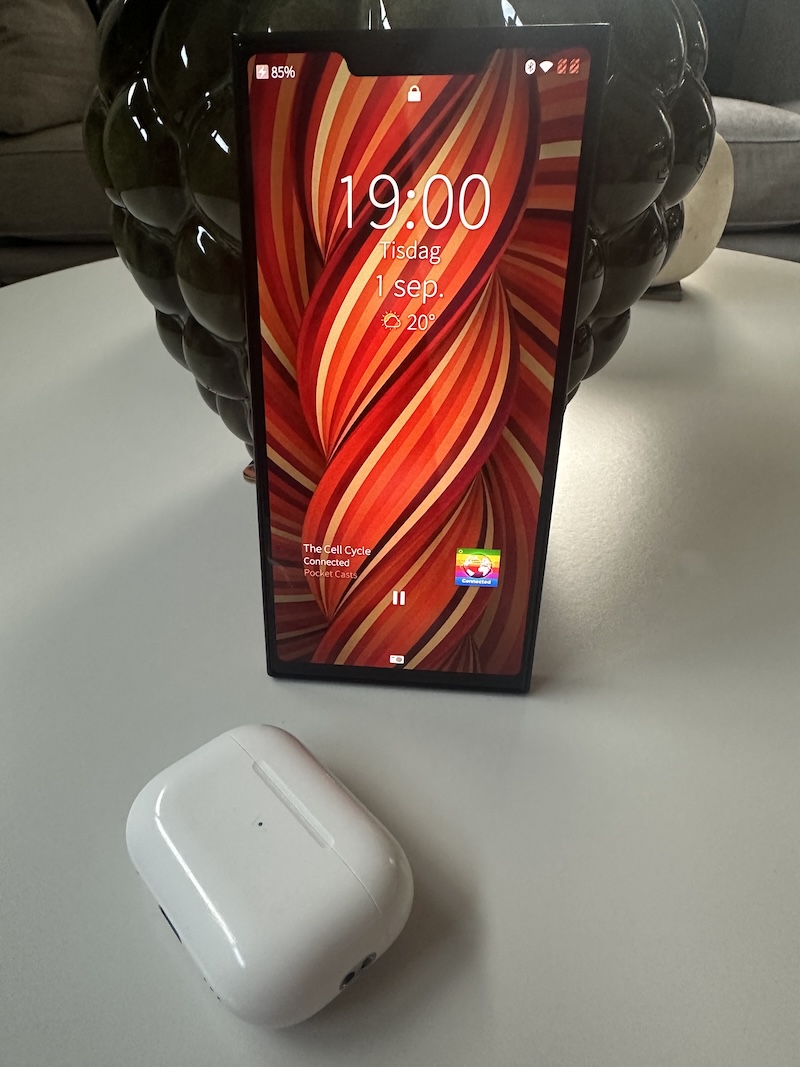
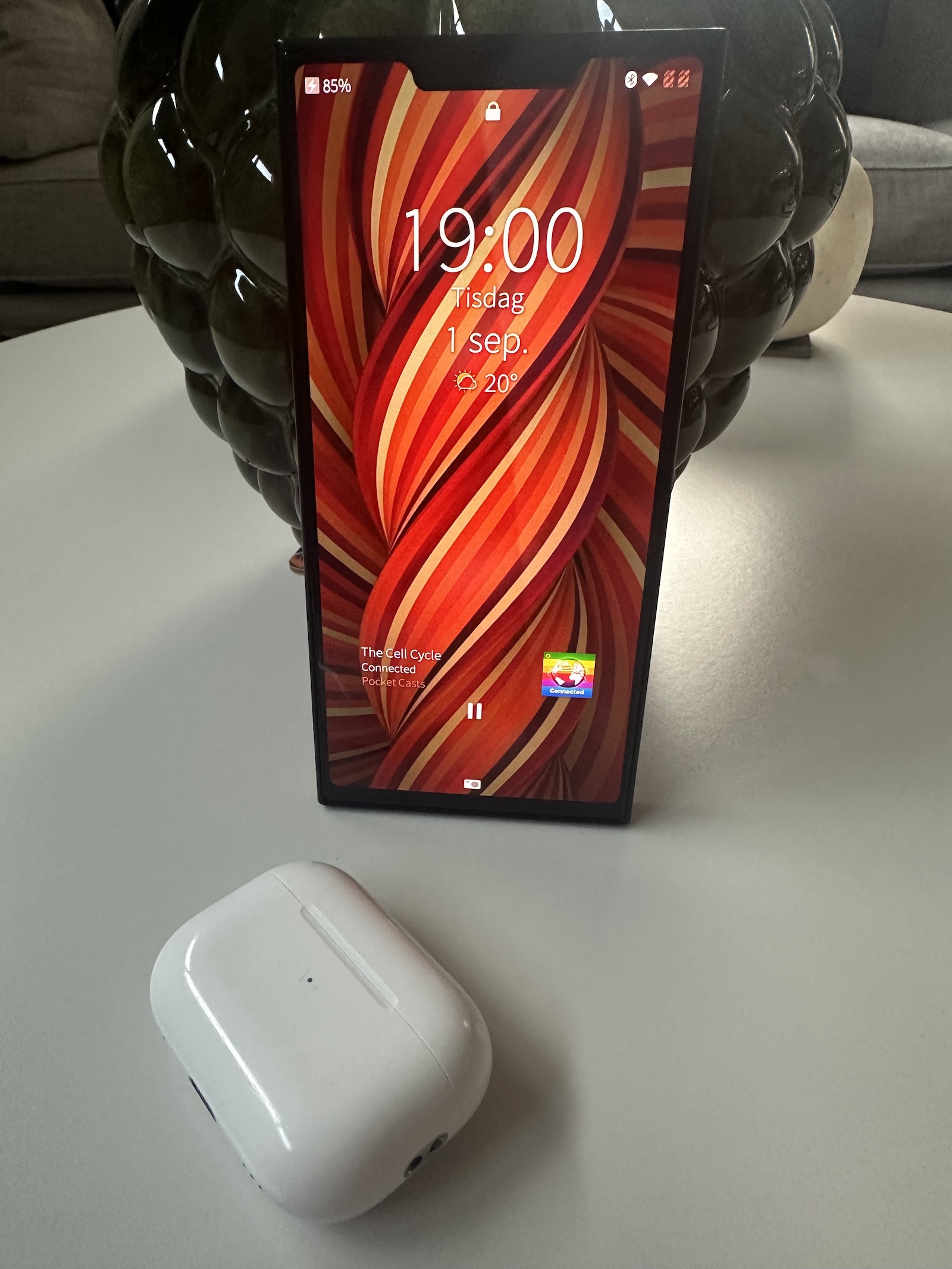
In all, it is great how well it all works, not least with permissions to access information and hardware, and there is no way I could use my Jolla very extensively without the support.
But even with my limited Jolla total time, I immediately start to wish both it and the other apps were native. I miss the standard swipe gestures, I find the back button at the bottom clunkier, and the fact that moving back one step too many immediately quits the app something of a booby trap in the middle of the UI. Plus, native apps can show some useful and even slightly interactive information in the app switcher rather than just a still image or zoomed out UI. Oh, and they follow the UI theme colors as well.
Which is just the way it should be.
How hard can it be to write a decent podcast app for Sailfish OS anyway … ?
August 27, 2026
Jolla phone, day 1
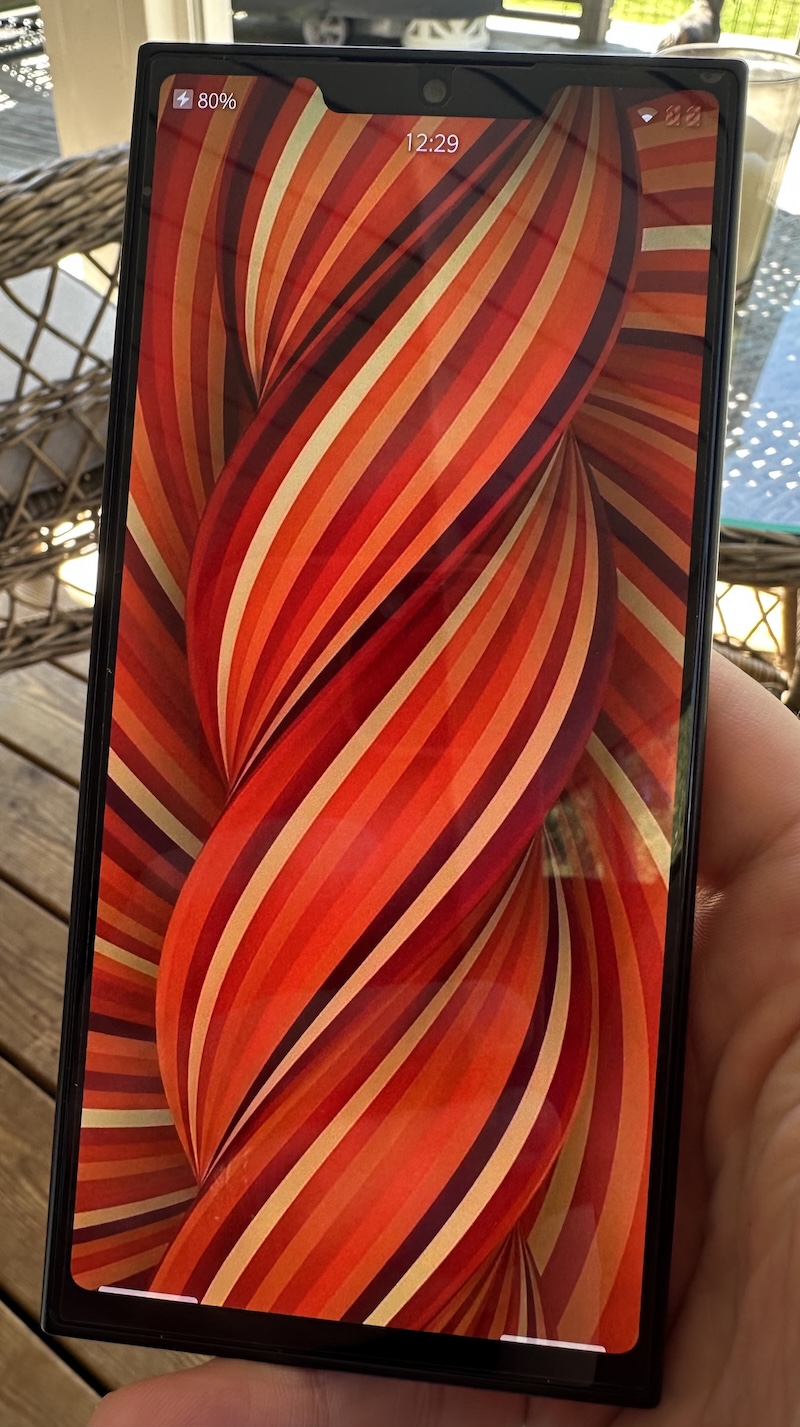
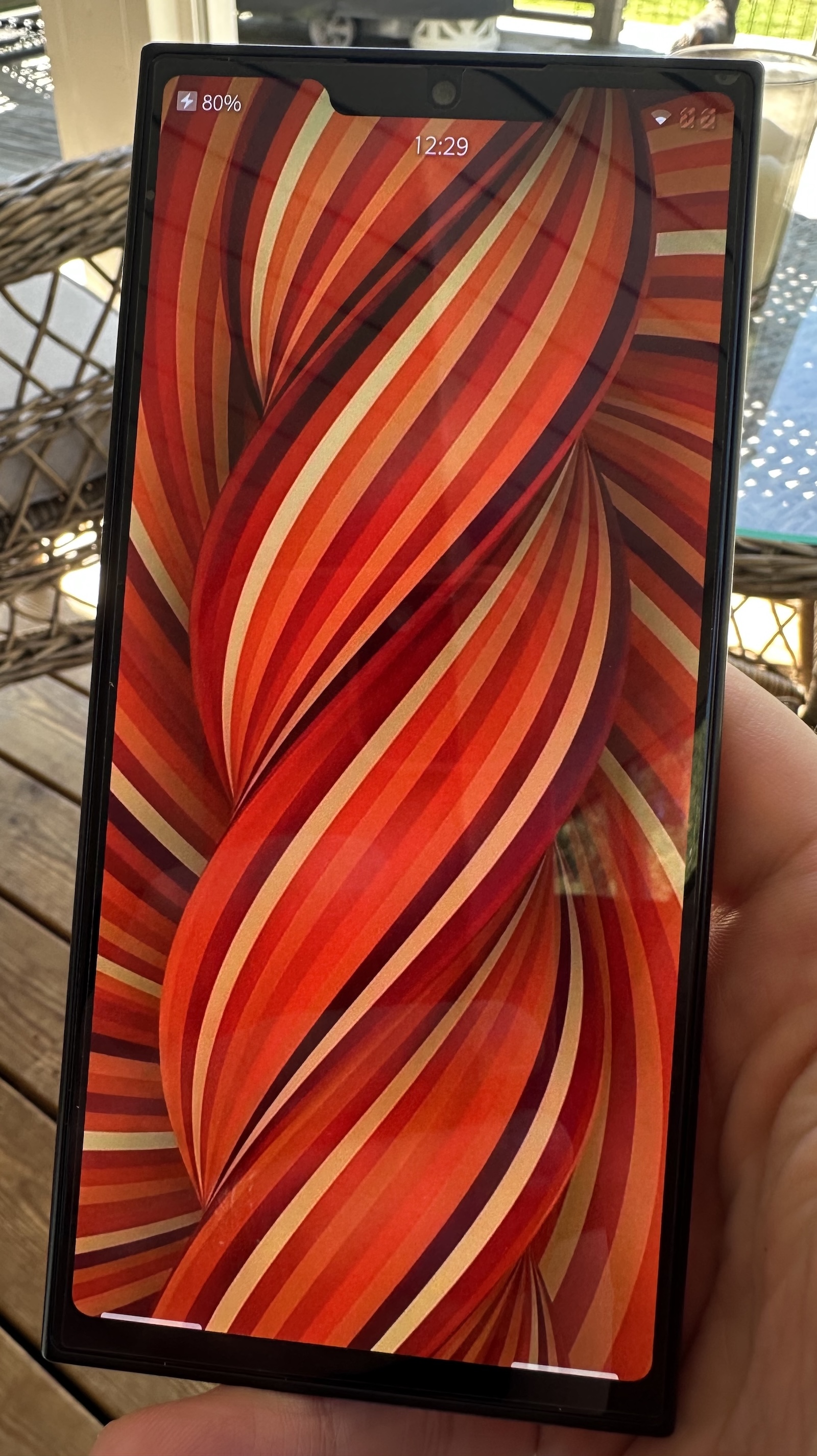
Today, I picked up my Jolla phone, after more weeks of checking tracking apps much more often than I care to admit.
This will be very unsorted, but I want to try and keep track of how my impressions evolve.
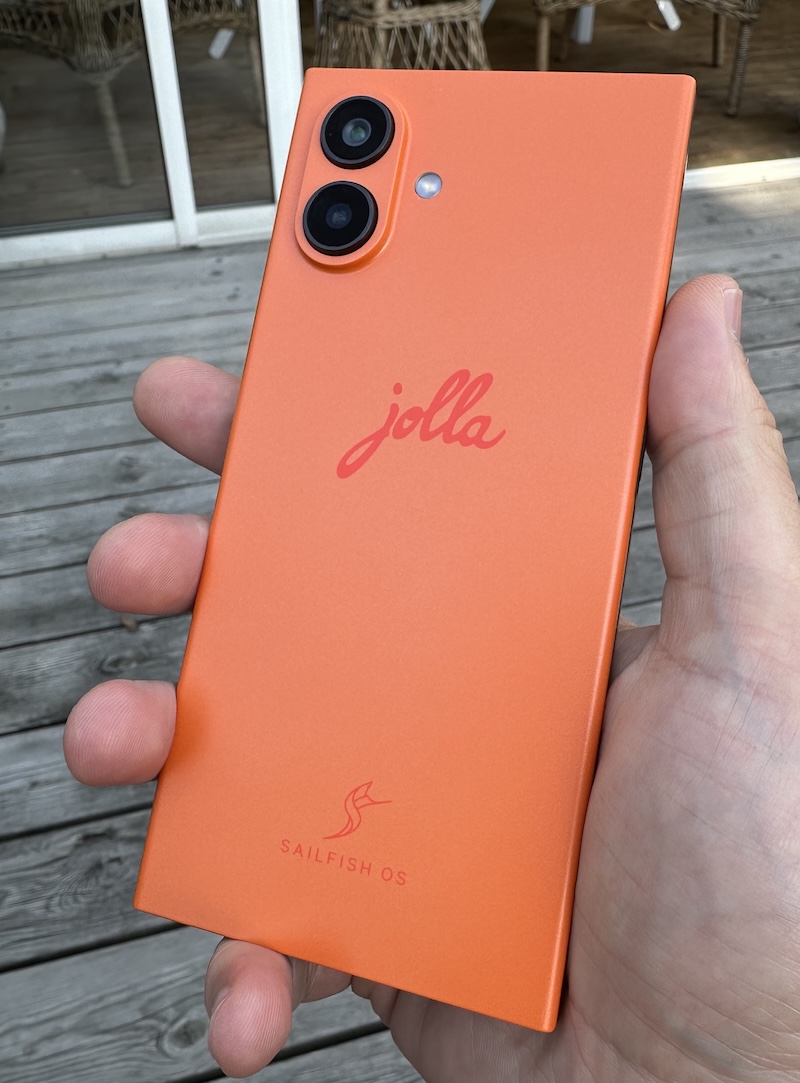
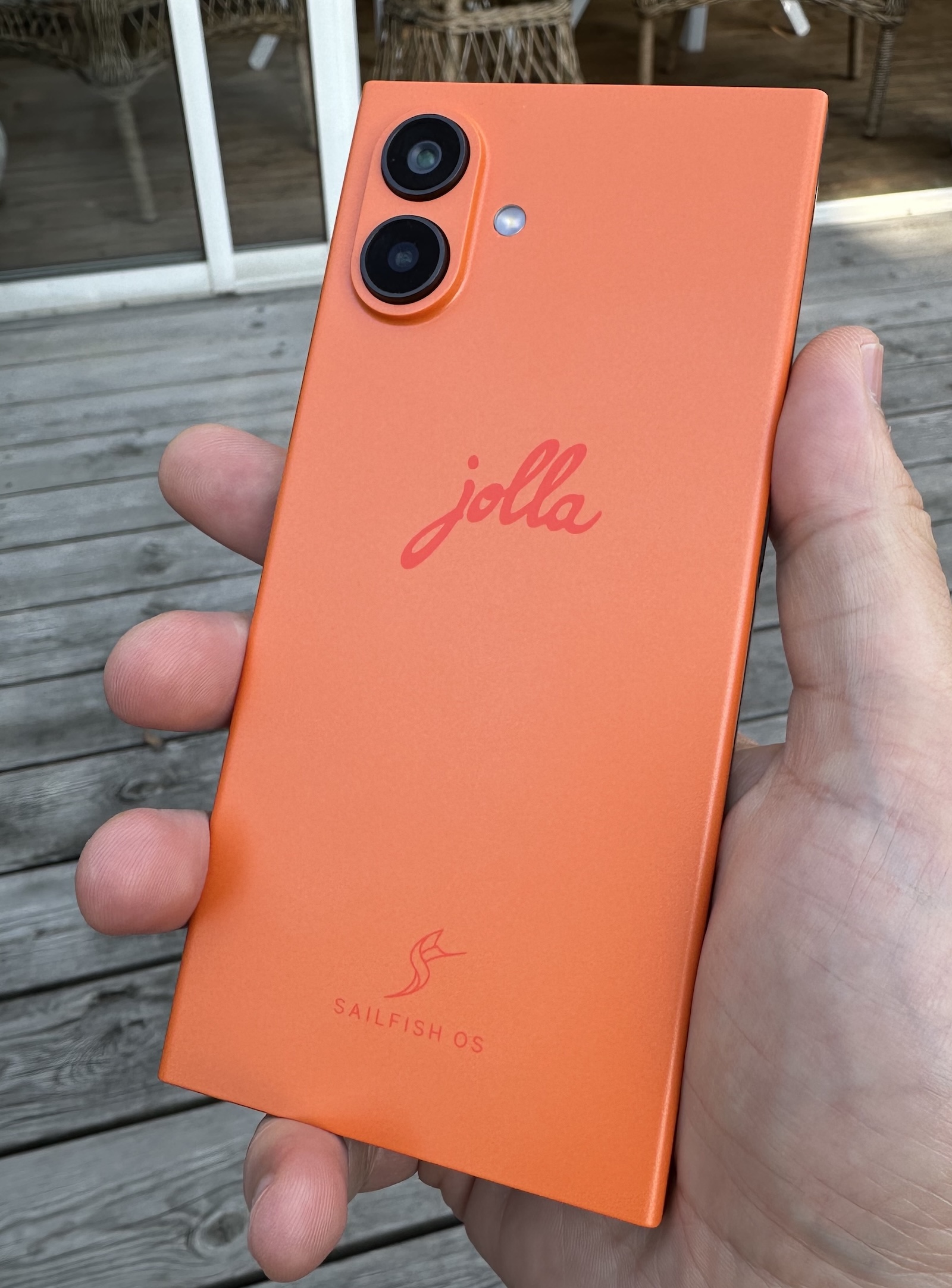
So far, I have played around with what comes in the box (plus the Jolla apps they suggested installing when I logged into my account) and a single third-party app: the Mastodon app Tooter.
It feels … like a fresh blast from the past. When phones were a bit more different from each other. Things were still being figured out.
A while back, it struck me as I was using my max-sixed Iphone that I was missing just having a phone with a different feel in the hand.
The Jolla delivers that difference in a great way. Because it is mainly plastic rather than metal and glass, it feels warmer and friendlier to the touch. Side by side with my Iphone, they are surprisingly close in all dimensions, but the Jolla somehow feels a lot nimbler to hold. I guess that comes down to the weight difference, while the dimensions are very close the Jolla is 32 grams lighter (208 versus 240).
It does not feel premium the way a brand new Iphone or Samsung device does. I would say it feels … approachable. And durable. The back cover is meant to come off, just a thing like that! I bought a protective cover, but I am not sure I will use it much when the hand feel is this nice and there is no dumb glass on the back to crack.
The whole interface of Sailfish OS is also nicely different. A lot of stuff can be done using swipes anywhere on the screen, which is great. The first time after I had got the hang of back and forward swipes and a button needed tapping in the top right of the screen, I almost felt frustrated at having to move a finger up there. One gesture I really like but that also takes some getting used to is being able to pull down in apps to drag down a menu of actions from the top of the screen. You just keep dragging to select the option you want and activate it when you lift your finger. A bit of evolution over pull to refresh, but it also requires a bit more precision. I have activated things by mistake when I intended to just scroll.
The keyboard and autocomplete/suggestions feel better than on Iphone. It has much saner suggestions, fits more of them on screen, and I feel a little bit more accurate without being able to explain why. It has only been a day, so it will be fun to see how my impression evolves.
Oh, and speaking of text: Remember cutting and pasting? On Ios, you select text, then awkwardly tap and hold to get a menu up to select copy from, sometimes getting out of sync with it popping up and stuff? Then find a place to paste and repeat the tap and hold to get the paste menu option without accidentally selecting anything.
Jolla gives you a copy button on the keyboard when you have text selected. Tap it again to paste. So straightforward everyone should steal it, yesterday.
Update: I got it wrong, copying and pasting takes even less tapping. Selected text is automatically placed on the clipboard, the button is for pasting only. Feels a little scary to me to be able to overwrite the clipboard so easily. But A: I will get used to it, and B: If it really irks me I can probably find or even create a different clipboard manager.
This is my first experience of a phone with a fingerprint-reading power button. The button is perhaps best placed for your thumb if you hold the phone in your right hand, but adding more fingers lets left-handed unlocking work just fine too.
The first banner I saw when I opened Jolla's own app store was for a tracker app. It did not attempt to sell me smurf berries.
Initial setup was very quick. Set up unlocking and encryption, optional login and app downloads (pragmatically including Android app support stuff) which I did, and then a quick introduction to the swipe-based workings of Sailfish OS.
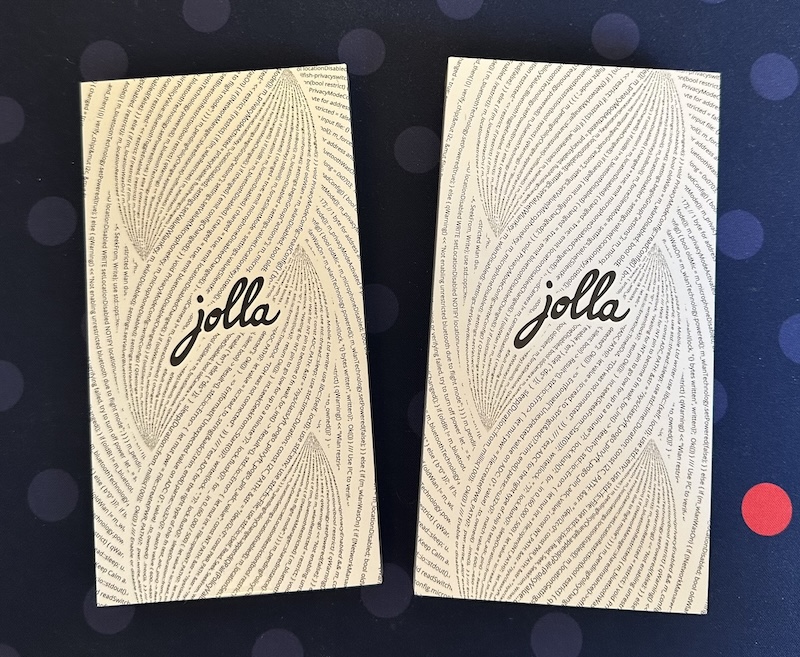
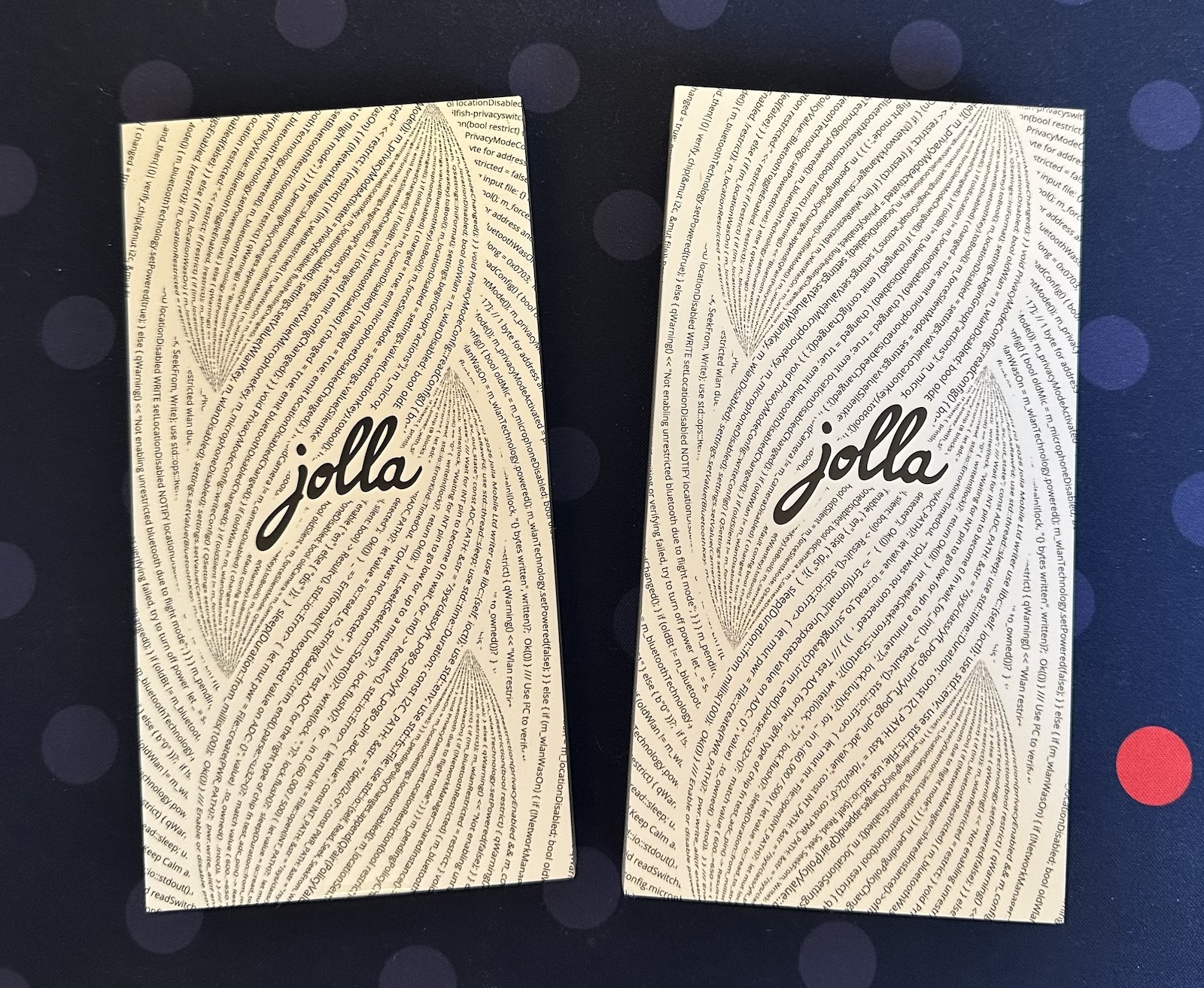
I have not figured out my needs yet. I have not installed Bankid and other necessities for daily driving a phone. I have not figured out how I want to get text and images and other stuff between it and the rest of my technology life. I have no idea if an how much I will try to use it as my full-time phone.
I have not, in fact, even put a SIM card in yet.
In other words: so much exciting stuff left to figure out. I can not wait to see what I do with it!